HomeUse CasesSocial Sports Groups
For Large Social Sports Groups

A Big Group, Run Without Chaos.

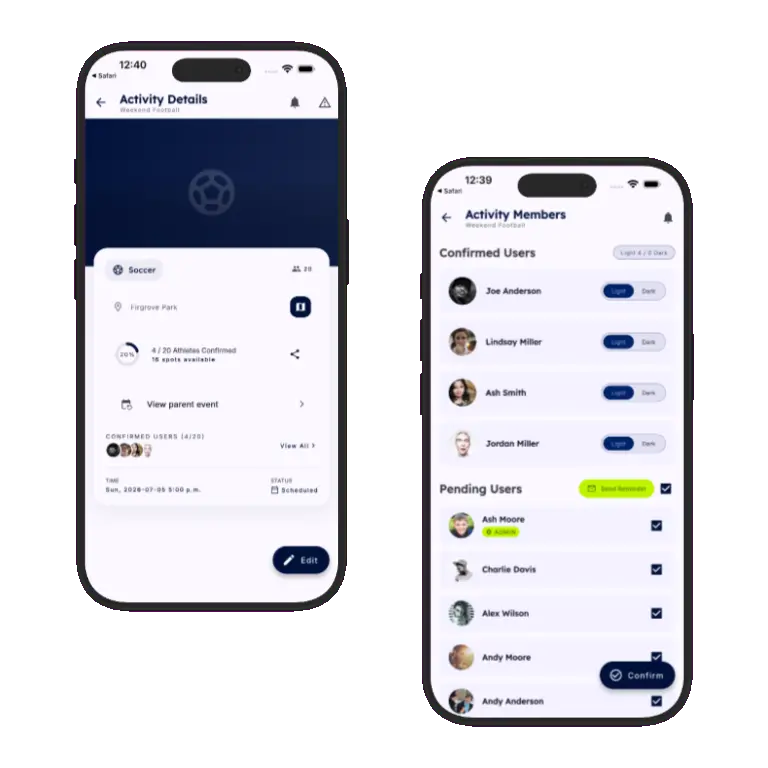
Once a social sports group passes a few dozen members, group chats stop working — messages get buried, new members don't know how to join, and nobody's sure who's actually showing up. Sports HQ gives your group structure: controlled membership, capped sessions, and automatic reminders.
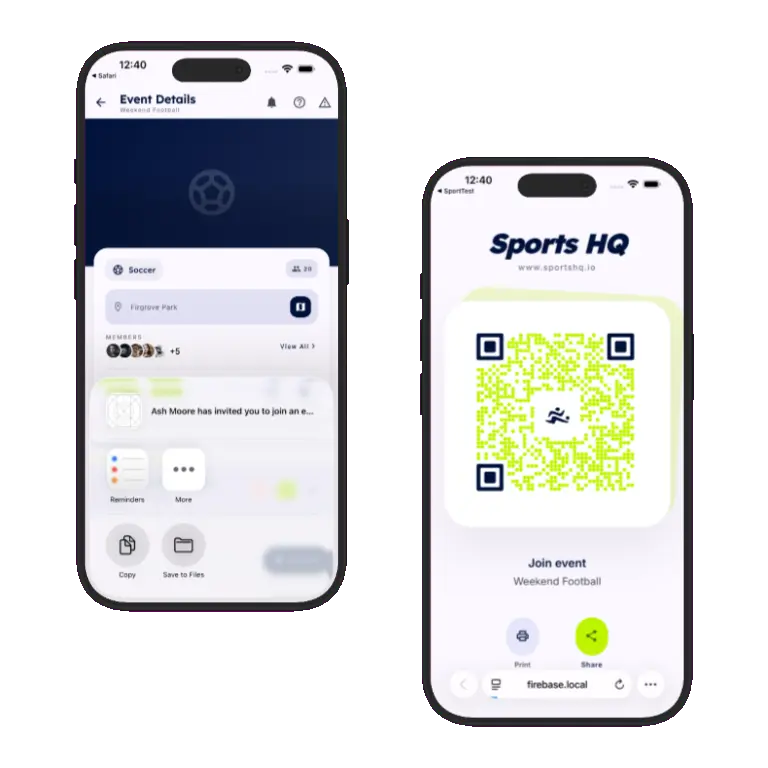
Sports HQ sharing an event invite link
👥

This is for you if: you admin a sports group that's grown past the point where a group chat can keep up — a social football crew, a touch rugby group, a netball league, a climbing meet-up — with dozens or hundreds of members across multiple regular sessions.

Public, private, or somewhere in between

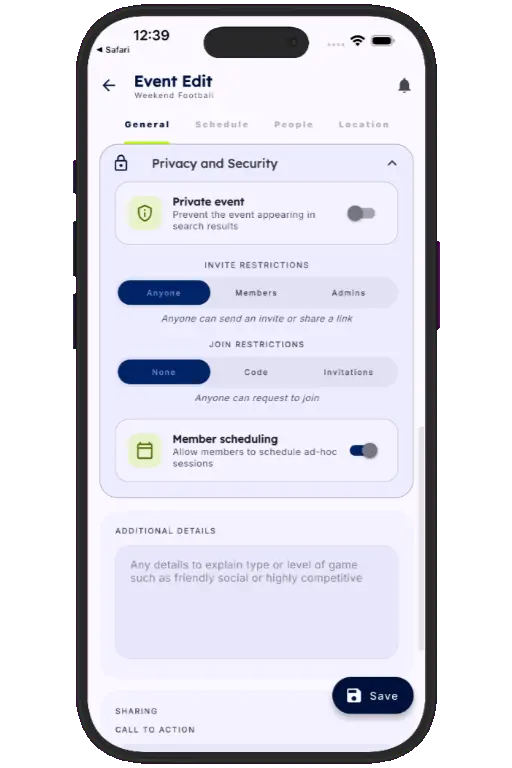
Create your group's activity as an event template. Make it public and discoverable to grow organically, or private so membership is fully controlled — visible only to people you let in.

  • Private events are hidden from search and discovery entirely
  • Security and membership settings are configured per event
  • Switch a group from invite-only to open growth whenever you're ready
Sports HQ event creation screens with privacy and capacity settings
Sports HQ shareable event join link

One link does the whole job

Share a single link in a WhatsApp group, an email signature, or a social post — or print the matching QR code for posters and noticeboards. Either gets a new member to the same join page in one tap or one scan.

  • No more explaining “how do I join” to every new member
  • Pick link or QR code to match wherever you're recruiting from
  • Works whether the recipient already has Sports HQ or not

Manual control, recurring convenience

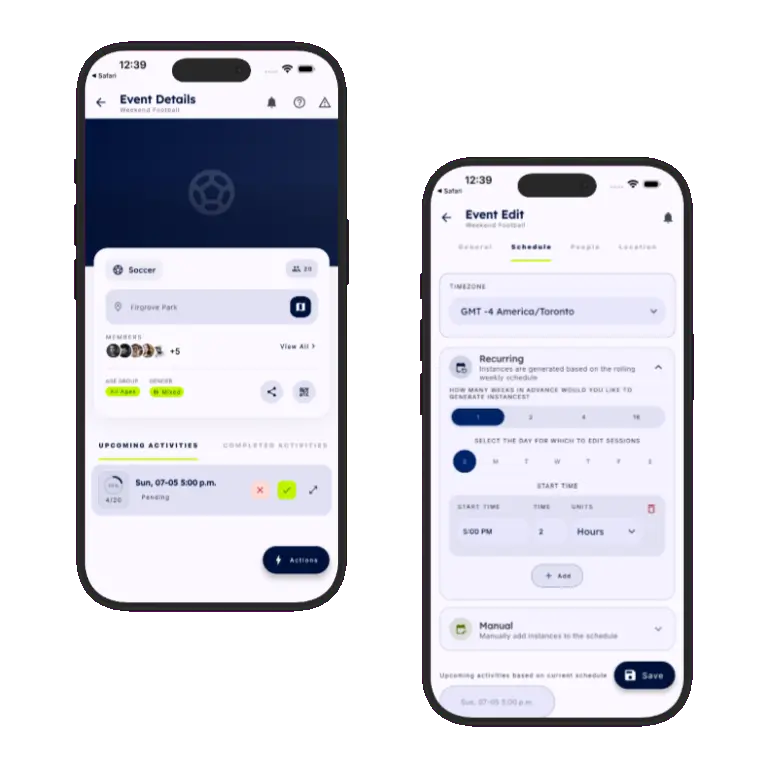
Schedule activities manually for ad-hoc sessions, or set a recurring pattern for your regular weekly fixture — and switch between the two as your group's calendar demands.

  • Push notifications go out to every member the moment a session is created or changes
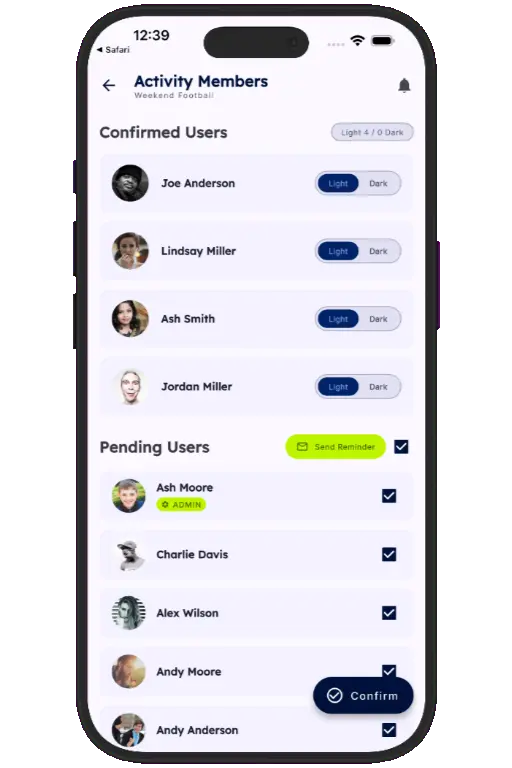
  • Members confirm or decline attendance with a single tap
  • Reminders go out automatically as the session approaches
Sports HQ manual and recurring scheduling screens
Sports HQ event members list and venue map location

Cap group size without turning people away

Set a maximum number of attendees that matches your pitch, court, or venue capacity. Once a session is full, new sign-ups automatically join a waitlist instead of being lost.

  1. 1
    Set your maximum group size

    Sessions stop accepting confirmations once the cap is reached.

  2. 2
    Extra sign-ups join the waitlist

    No one is turned away outright — they're queued automatically.

  3. 3
    Spots fill themselves

    When a confirmed member declines, the next waitlisted member is notified instantly.

Bring order to a big group.

Download Sports HQ for free and give your social sports group the structure it's outgrown a group chat for.

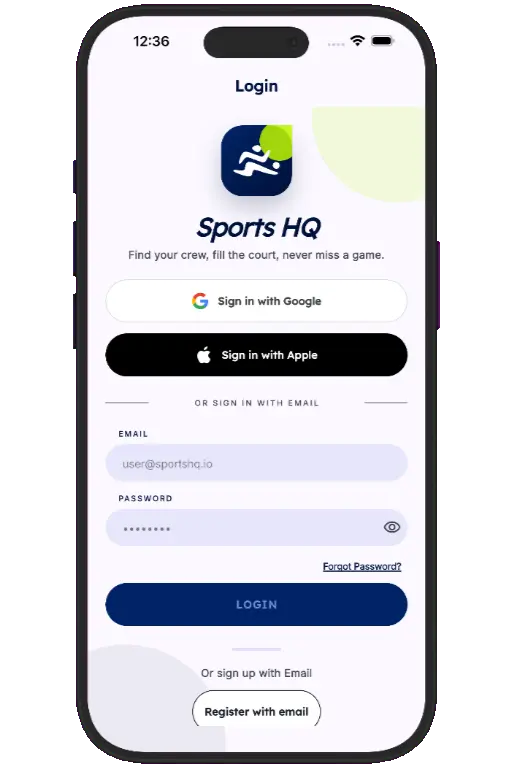
Sports HQ login screen