HomeUse CasesOffice Sports Organisers
For Office Sports Organisers

Stop Chasing RSVPs in Slack.

You volunteered to run the office five-a-side, the lunchtime run, or the Friday social — and somehow ended up managing it through three group chats and a spreadsheet. Sports HQ gives you one place to schedule, publicise, and track attendance, with push notifications doing the chasing for you.
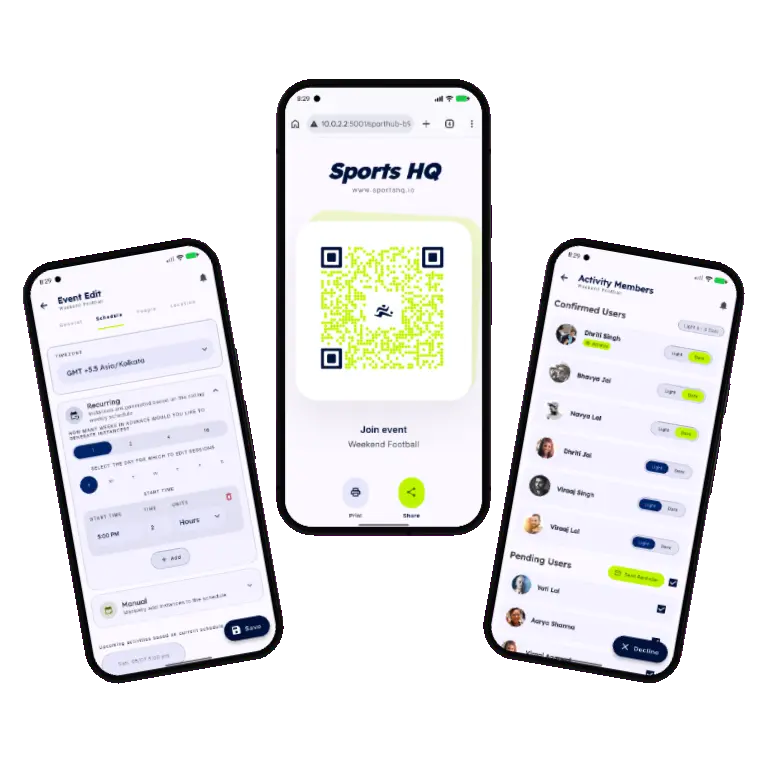
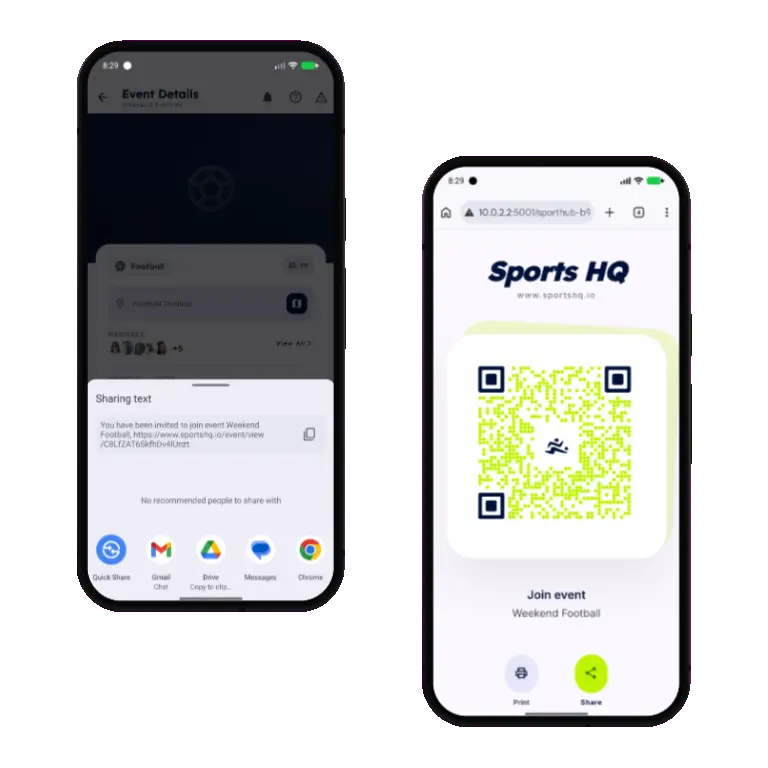
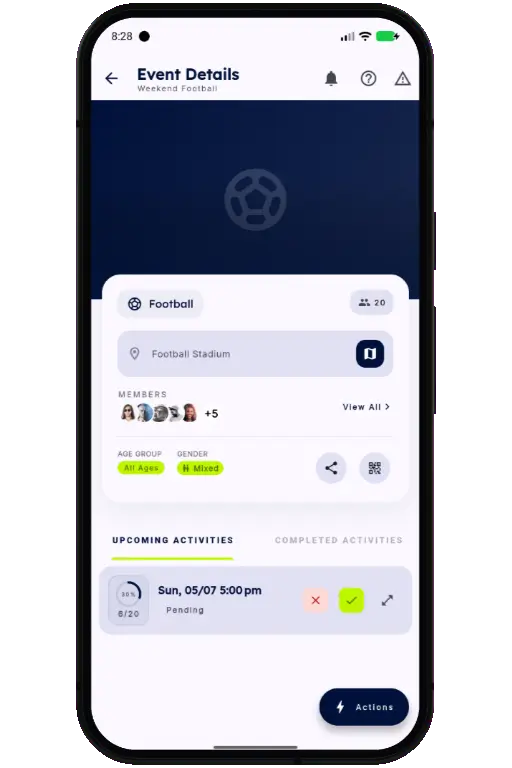
Sports HQ activity detail screen with attendance confirm and decline buttons
🏢

This is for you if: you're the unofficial organiser of a workplace sports activity — a lunchtime run, a five-a-side team, a badminton ladder, a softball league — and you're tired of manually publicising sessions and following up with colleagues who haven't replied.

Onboard the whole team in one scan

Post a join link in the team Slack channel or welcome email, or print the QR code for the office noticeboard — same registration page either way. New colleagues join your event instantly, no manual list building, no missed names.

  • Link for Slack, Teams, or email — one tap to join from a desk
  • QR code for the noticeboard or printed welcome pack
  • Membership is managed entirely within the app — no separate spreadsheet
Sports HQ event member management and add members screens
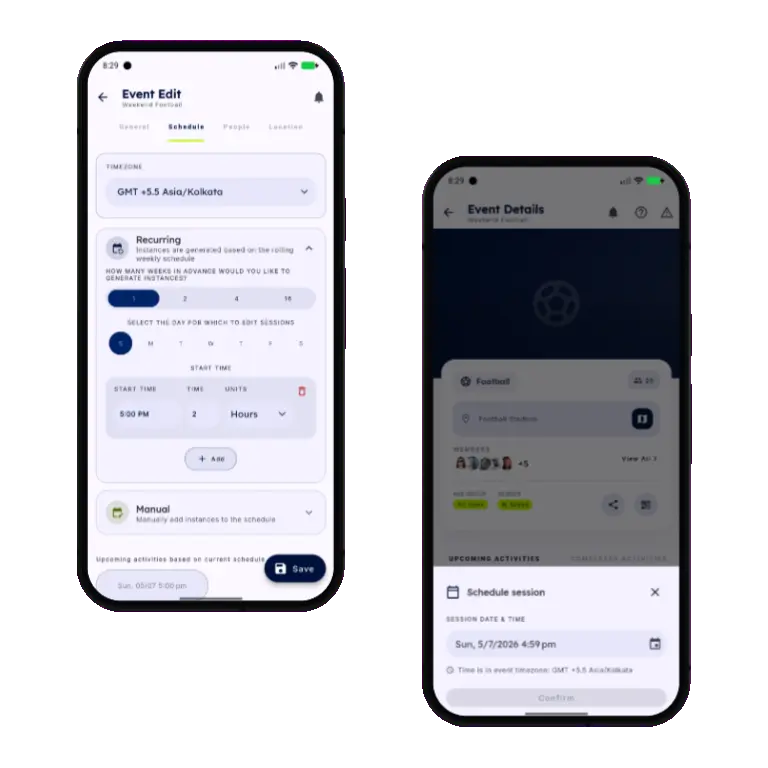
Sports HQ recurring and manual activity scheduling screens

Recurring, one-off, or both

Set a recurring weekly slot for the regular session, then add manual one-off dates for tournaments, socials, or schedule changes around public holidays — all from the same event.

  • Generate weeks of instances automatically from a rolling schedule
  • Slot in manual one-off activities that don't fit the pattern
  • Every creation or update triggers a push notification to the team

Know who's coming, without asking

Watch confirmations and declines roll in automatically as colleagues respond to push notifications. No more “who's in this week?” messages — the headcount is right there.

  1. 1
    Activity goes live

    Every member gets a push notification the moment a session is scheduled or updated.

  2. 2
    Confirmations come in

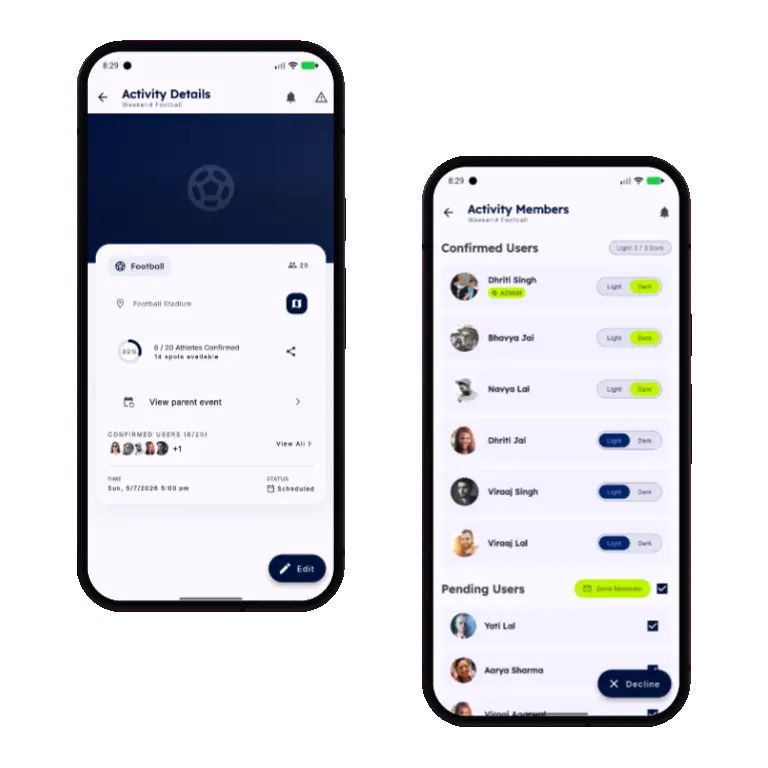
    You see a live count and list of who's confirmed, declined, or still pending.

  3. 3
    Follow up in one tap

    Send a reminder push notification to anyone still pending — directly from the app.

Sports HQ attendance tracking with confirm, decline, and reminder controls
Sports HQ managed events list with weekly attendance status

Full sessions handle themselves

Set a maximum capacity for your five-a-side or court booking. Once it's full, new sign-ups automatically join a waitlist — and move up the moment someone drops out.

  • No more double-bookings or arguments about who has a spot
  • Waitlisted members are notified the instant a place opens up
  • Works automatically across every recurring instance

Run your team without the spreadsheet.

Download Sports HQ for free and get your next session scheduled in minutes.

Sports HQ login screen